
Free Marketing Report
Your Google Business Profile Is Your New Front Door
Most diners meet you on Google before they ever see your menu — make that first look count.
Around 80% of diners start on Google when they pick a restaurant. That means your Google Business Profile is your front door now. It is the first thing most customers see, long before they walk in or unfold a menu. The photos, the hours, the reviews, and the menu link on that profile decide whether they visit you or the place down the street.
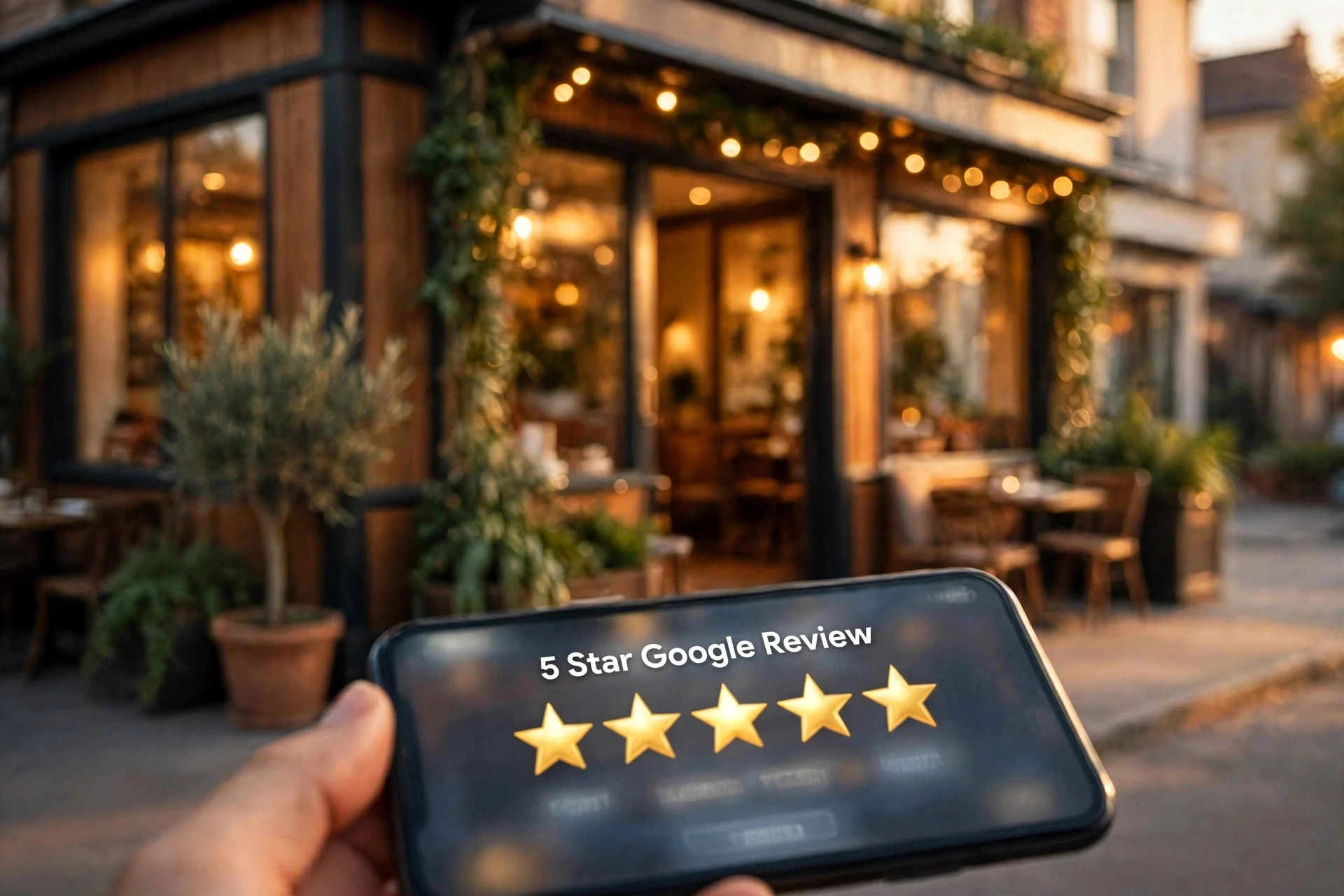
And reviews carry real money with them. Even a one-star improvement is tied to roughly 5–9% more sales. The good news is that none of this takes a big budget — just a profile that is complete, current, and cared for. Here is how to get there, one step at a time.
Claim it and complete every field
First, claim your profile if you have not already, and fill in every single field. Hours — including holiday hours — phone number, website, menu link, and every attribute that fits: dine-in, takeout, delivery, and anything else true of your place. An incomplete profile looks closed even when you are open. A diner who cannot find your hours or your menu link in ten seconds moves on to the next listing. Think of every empty field as a customer you sent away.
Show real photos, and refresh them
People eat with their eyes, and on Google your photos do the talking. Post real photos: your dishes, your dining room, your team at work. A pizza shop should show the cheese pull, a BBQ joint should show the brisket, a Thai place should show the curry. Fresh photos get more calls and direction requests than a bare listing, so add new ones regularly — a seasonal special, a new dish, a full dining room on a Friday night. Never use another restaurant's photos. Customers forgive a plain photo of your real food; they do not forgive finding out the picture lied.
Ask every happy customer for a review, and reply to all of them
Reviews are the closest thing to word of mouth that the internet has, and they compound. Ask every happy customer for one while they are still happy — a QR code on the receipt or the bag that opens your Google review form catches people at exactly the right moment. Then reply to every review, good and bad. Thank the happy ones, and answer the unhappy ones calmly and fast, saying what you will do about it. Future customers read your replies more than they read the complaint, and a gracious reply turns a bad review into proof that you care.
Post once a week
Google lets you post short updates right on your profile, and most restaurants never use it. Post once a week: a special, a new dish, holiday hours, a catering deadline. Each post is a small reason to come this week instead of someday, and it shows Google — and diners — that your business is alive and paying attention. Keep posts short, put the best detail first, and always include a photo. A simple post about a Friday special beats a perfect profile that has not changed in a year.
Check the details everywhere
Wrong hours, an old phone number, or a missing suite number sends diners straight to your competitors. Once a month, check your profile against your menu and your website, word for word: the name, the address, the phone, the hours, the menu link. If you changed your hours for the winter, change them on Google the same day. If you moved, changed suites, or got a new number, fix it everywhere at once. Consistency is what makes customers trust what they see — and it is what makes Google show you more often.
Where to start
Start with the first two steps this week: claim the profile, fill in every field, and add five real photos of your best dishes. Next week, put the review QR code on your receipts and write your first weekly post. Small steps, done regularly, are what turn a listing into a front door.
AS SEEN IN

Call or Text 646-721-1569
Call or text us for a free phone consultation and special discounted prices. Available 10am–10pm EST, 7 days a week. Call 646-721-1569.